
Welcome to your self-serve demo experience
Browse our library of quick, self-guided demos to see Revenue.io in action. Explore products, use cases, and find what matters most to you.
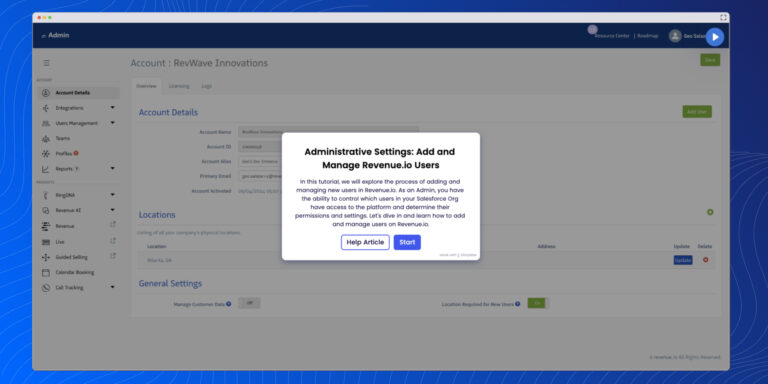
Learn how to add, assign licenses, and manage user roles in Revenue.io. Streamline user setup and admin tasks from the User Management panel.
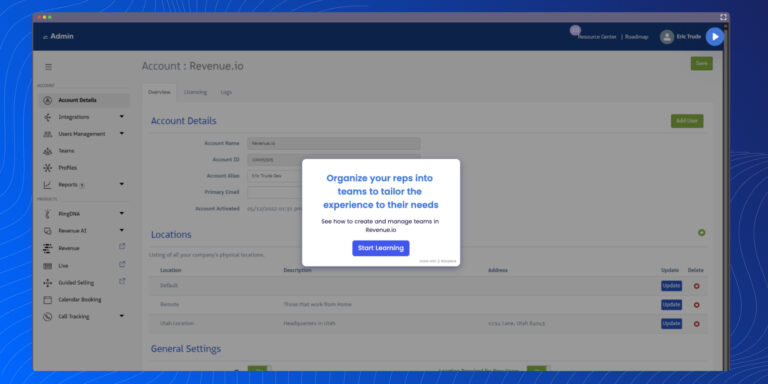
Learn how to build and manage teams in Revenue.io. Add members, assign supervisors, set call rules, and customize reporting for scalable team structure.
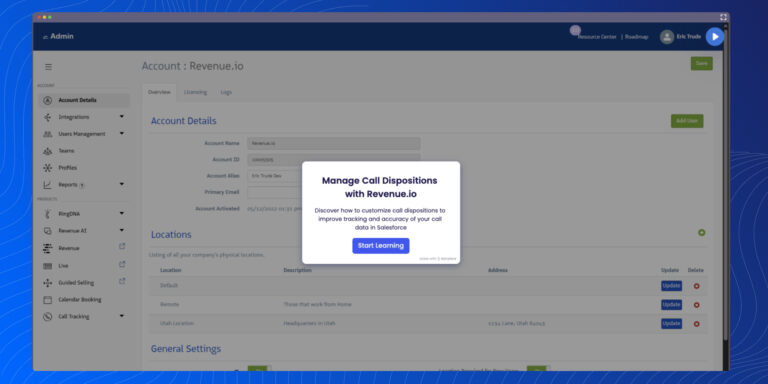
Customize call dispositions in Revenue.io to track call outcomes, sync with Salesforce, and assign by team or direction for accurate reporting and coaching.
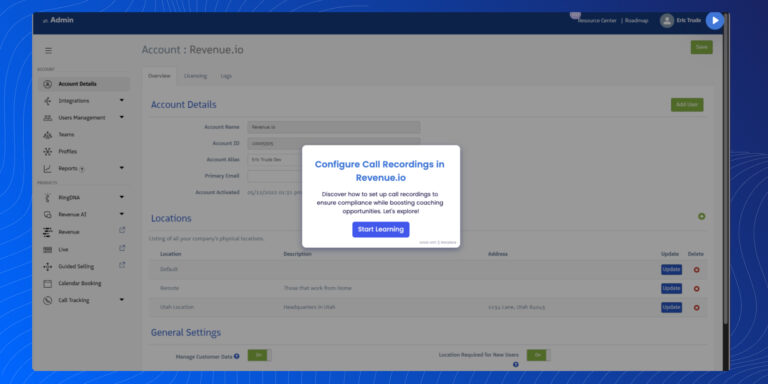
Set up call recordings in Revenue.io for compliance and coaching. Control who can record, pause, download, and access recordings by team, region, or direction.
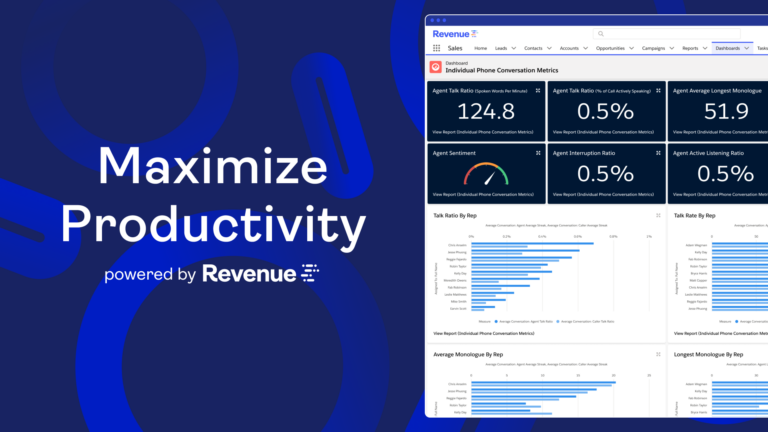
In this video, Revenue.io Director of Sales Engineering David Hawkes reveals how to use conversation intelligence to maximize rep effectiveness and drive more pipeline.
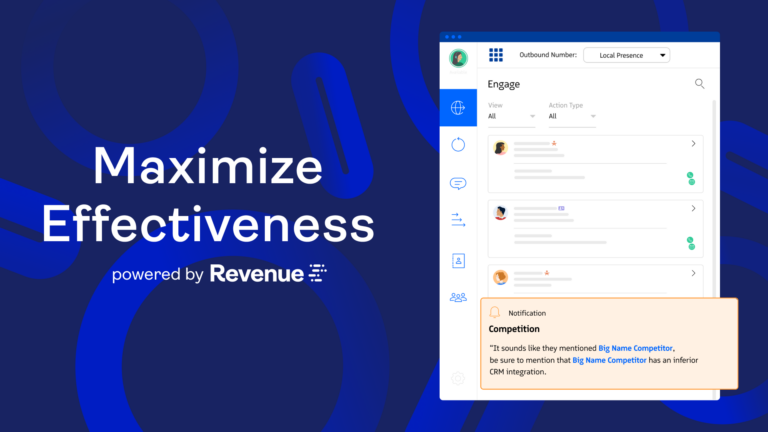
In this video, Revenue.io Director of Sales Engineering David Hawkes reveals how to use conversation intelligence to maximize rep effectiveness and drive more pipeline.
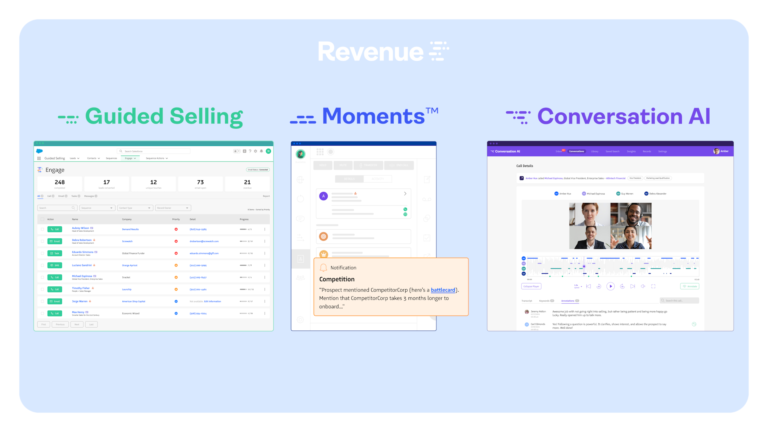
The Revenue.io platform works in real-time, augmenting human intelligence and providing AI-powered guidance before, during and after every conversation.
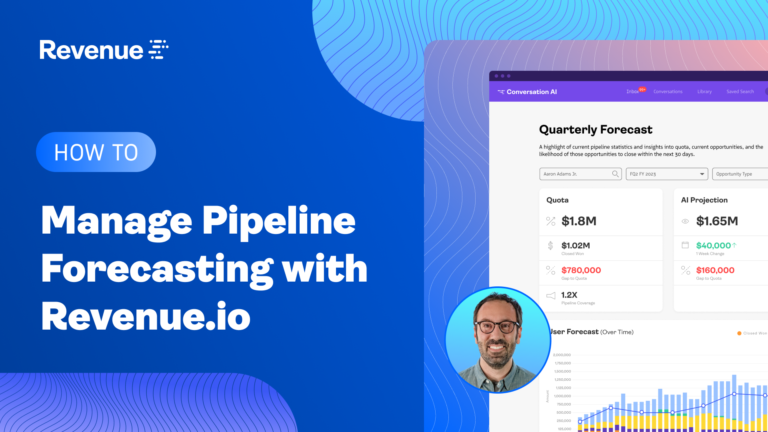
Jeff Shelton demonstrates how we use pipeline forecasting to understand which deals are at risk and how to move them forward.
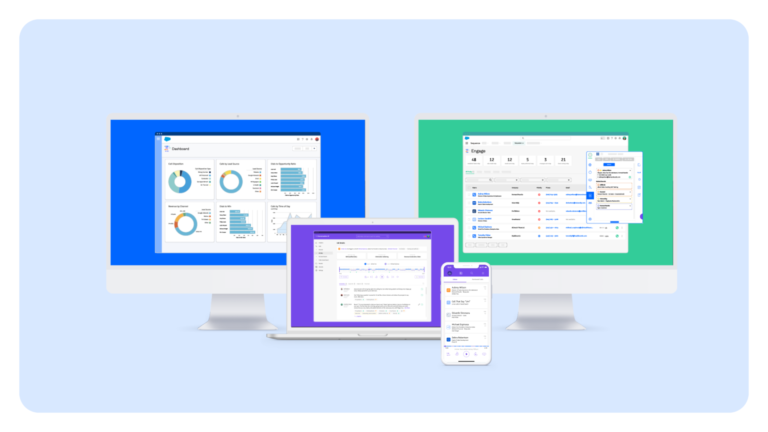
In this Revenue.io demo, Director of Sales Engineering David Hawkes walks through the entire Revenue.io platform for pre-call coaching, real-time call guidance and post-call coaching.
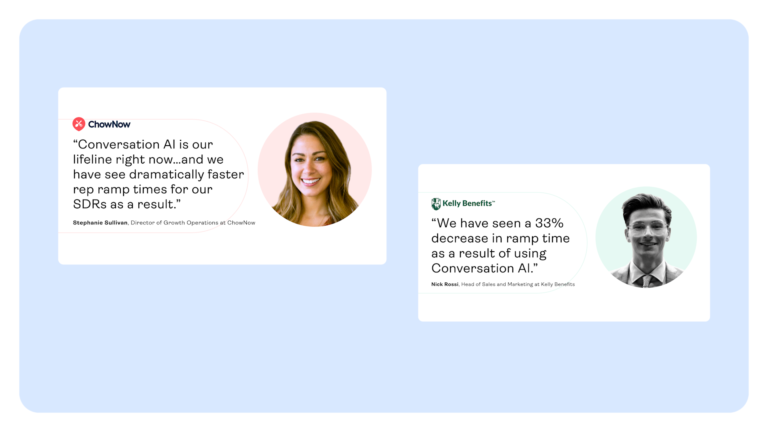
Ryan Vaillancourt demonstrates how we use the Revenue.io coaching suite to reinforce critical sales training in real time.
Broadridge Advisor Solutions Creates More Pipeline With Guided Selling

With the power of revenue science, teams can analyze data with AI to understand what’s working and what’s not, guide reps in real time with the next best action, and unify all their revenue operations.