
Welcome to your self-serve demo experience
Browse our library of quick, self-guided demos to see Revenue.io in action. Explore products, use cases, and find what matters most to you.
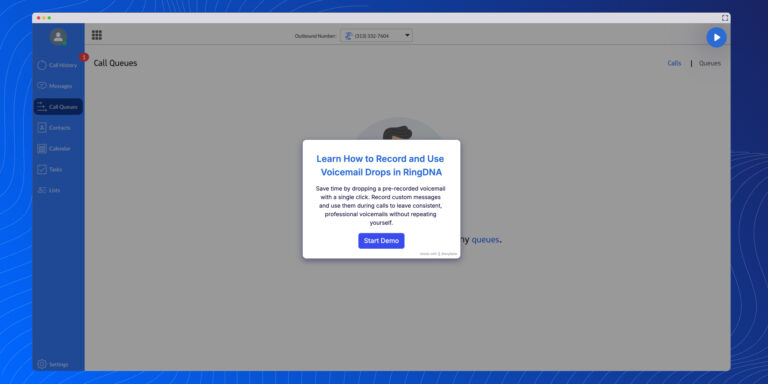
Easily leave professional voicemails with RingDNA. Record custom drops and insert them into calls with one click.
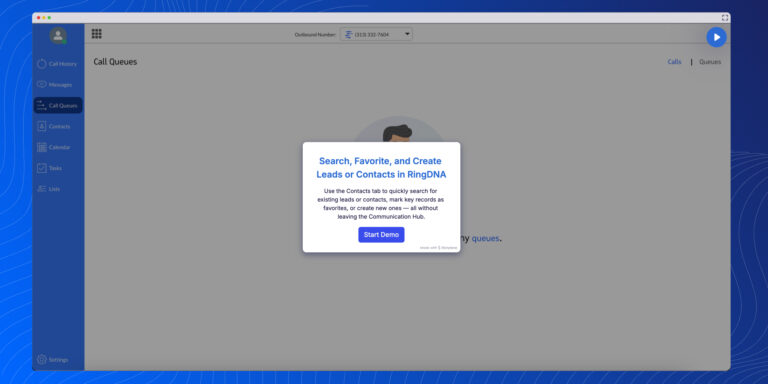
Quickly edit or create leads and contacts in RingDNA with real-time sync to Salesforce. Keep CRM records current without switching platforms.
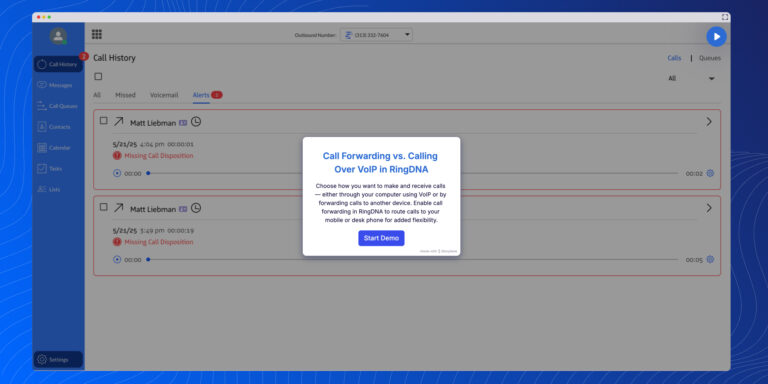
Compare RingDNA’s VoIP and Call Forwarding features. Choose to make calls via desktop or forward to another device for flexibility and control.
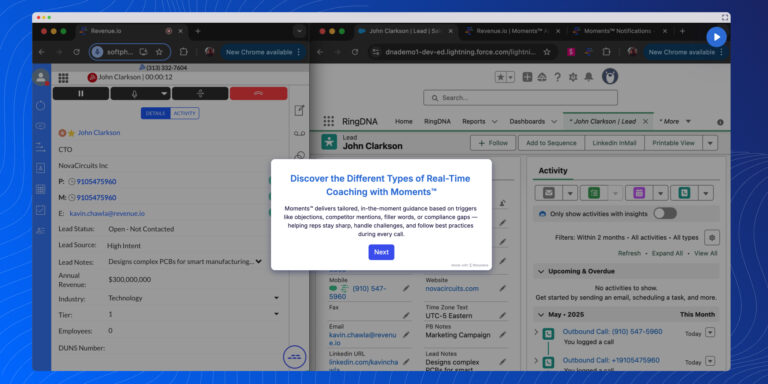
Easily transfer calls in RingDNA with warm or cold options. Add teammates, introduce calls, merge participants, and create smooth handoffs every time.
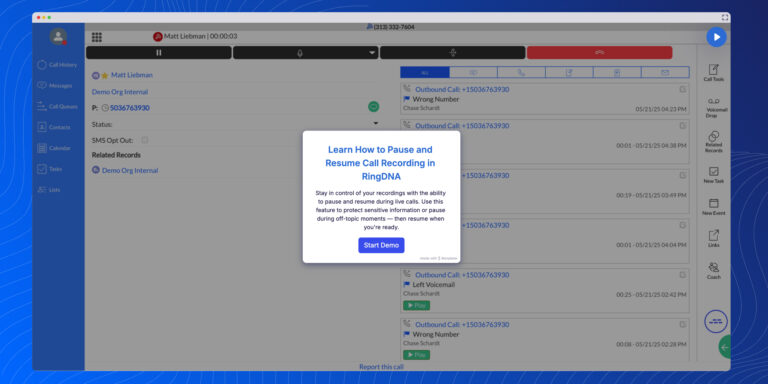
Learn how to pause and resume live call recordings in RingDNA. Stay compliant and protect sensitive data with this simple, in-call feature.
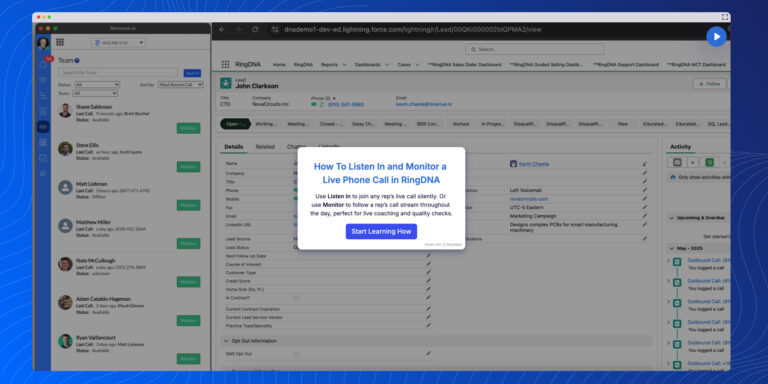
Learn how to silently monitor live calls with RingDNA’s Listen In feature. Coach reps in real time with whisper, unmute, and note tools.
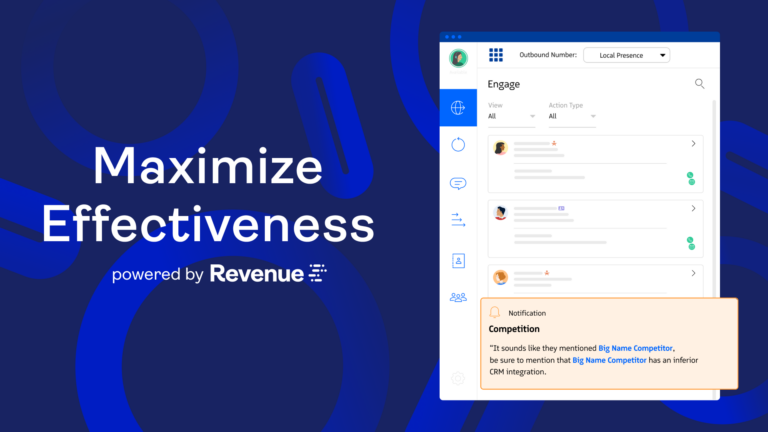
In this video, see how Revenue.io helps reps increase pickup rates by automatically matching caller ID to the prospect’s area code
In this video, see how top sales reps use Conversation AI to prep smarter before every demo.
In this video, see how Conversation AI makes sales coaching moments easy to find, review, and apply.
In this video, see how Revenue.io helps reps leave high-impact sales voicemails with just one click.
In this video, see how easy it is to monitor and shadow live calls using the RingDNA Dialer.
In this video, see how Revenue.io helps your team use SMS the right way to drive engagement and move deals forward.