Find the engagement gap.
Review account and opportunity activity to see who is involved, which interactions have happened, and where follow-up needs attention. Check missing context before assuming a deal is healthy.
 (888) 815-0802
Revenue Intelligence for Salesforce
Connect sales activity, buyer conversations, and Salesforce pipeline to understand where deals need attention—and where your team needs support.
Revenue intelligence for sales leaders, managers, and RevOps.
The useful answer
Revenue intelligence connects CRM data, sales activity, and conversation insights to help teams assess pipeline, coach reps, and decide what to do next.
Revenue.io brings Salesforce reporting and Revenue App Insights into the same revenue workflow. Start with activity and opportunity context, then inspect the conversation behind the number. Give managers evidence for the next discussion instead of another dashboard to interpret.
How it works
Make the review useful at three levels: the account, the opportunity, and the team.
Review account and opportunity activity to see who is involved, which interactions have happened, and where follow-up needs attention. Check missing context before assuming a deal is healthy.
Use available conversation analysis to understand buyer questions, objections, and next steps. Combine those observations with the CRM record when discussing deal risk or coaching a rep.
Agree on an owner, a specific next step, and the Salesforce update needed. Review outcomes over time so the team learns which activity patterns are useful for its sales process.
A practical example
A high activity count does not explain whether the right buyer is engaged or whether the next meeting advances the sale.
Implementation
Align RevOps and sales managers before rolling out a reporting workflow. Different reporting surfaces have different dependencies.
Confirm installed packages, supported objects, field definitions, permissions, and which teams and records are included.
Identify the enabled channels and products supplying calls, emails, messages, tasks, and recorded conversations. Missing activity can change how a report should be interpreted.
The Revenue Intelligence Package provides Salesforce reports and dashboards. Copy dashboards before customizing them so your team retains the originals.
Enhanced Analytics uses a daily snapshot pipeline and is required for Insights views such as X-Ray, Opportunities, and Won/Loss. Do not assume these views update continuously.
Conversation analysis and Revenue AI capabilities depend on licenses and enablement. Validate permissions and information access with your Salesforce and security owners.
Buying criteria
Ask to walk through a real sales-management question with your own field definitions and data coverage.
Choose one representative workflow. Include a sales leader, a rep, and the administrator who will own the setup.
One connected revenue workflow
See how review and coaching work alongside the opportunity context.
Explore Conversation Intelligence ↗Connect deal evidence with the assumptions behind your forecast.
Explore Forecasting ↗Evaluate the Salesforce workflow and the capabilities your team needs.
Built for Salesforce ↗Your questions
Revenue.io combines Salesforce reporting through its Revenue Intelligence Package with Revenue App Insights. Available views depend on enabled products, captured activity, licenses, and analytics configuration.
Conversation Intelligence focuses on recordings, transcripts, analysis, and coaching. Revenue intelligence brings those insights together with activity and Salesforce pipeline context for broader team and deal reviews.
No. Refresh behavior differs by reporting surface. Enhanced Analytics uses daily snapshots for supported Insights views. Confirm the timing of each report or view during implementation.
No. A signal is a reason to investigate. Review data coverage, buyer context, and the rep’s explanation before changing the deal assessment.
Choose one management question—for example, opportunities without a clear next step. Agree on the included records, inspect the underlying evidence, and confirm how the team will act on the result.
Review Revenue.io pricing and confirm which packages, analytics views, and AI capabilities your workflow requires. Ask for a quote scoped to the people and capabilities you need.
Your team’s next step
See how Revenue.io connects activity, conversations, and Salesforce pipeline in a walkthrough for your team.
Book a demo
"Revenue.io helps us connect the selling activities and motions of our sales development reps with our CRM platform, Salesforce. "

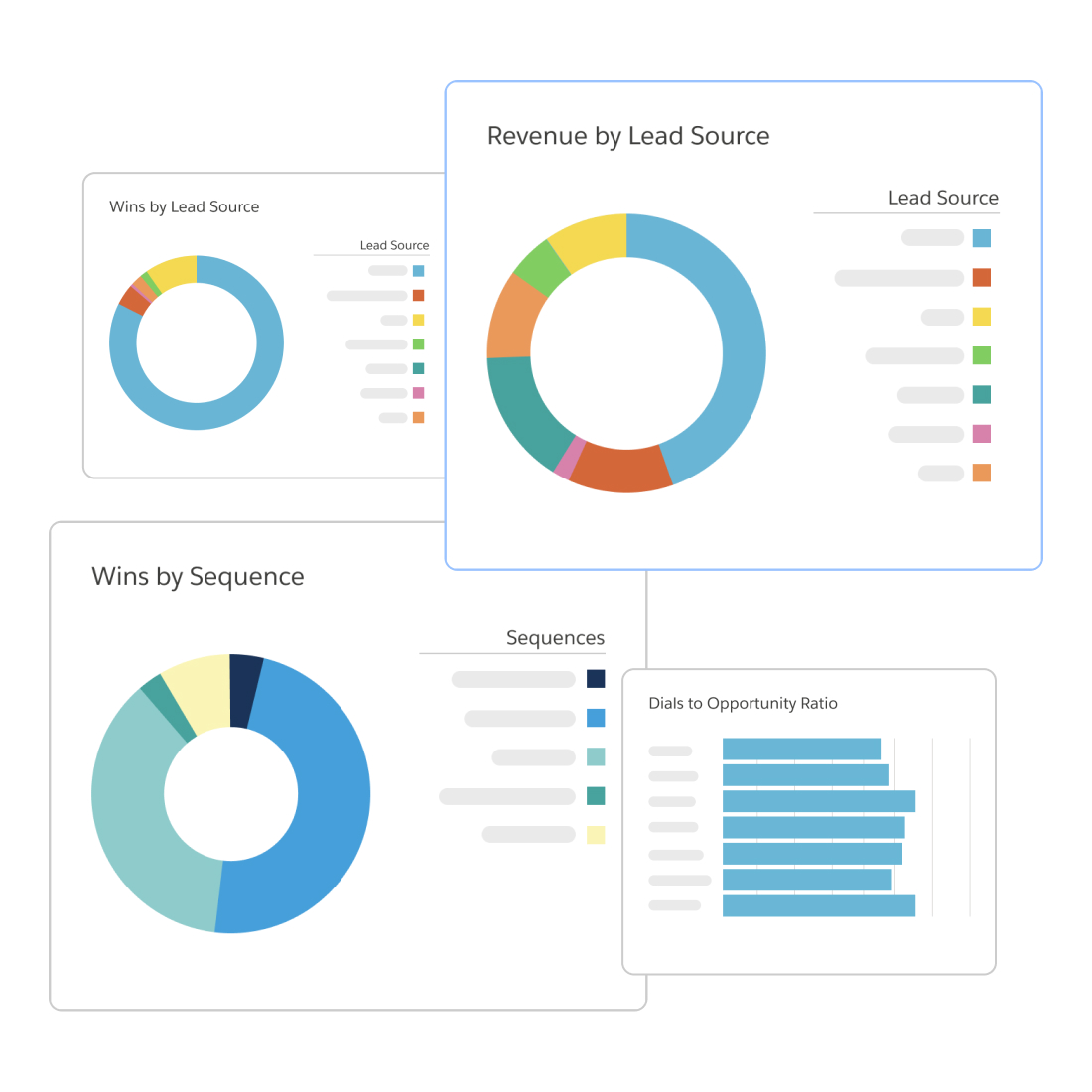
Captures every reps activity and customer engagement to deliver next best actions, pipeline visibility, and data-backed coaching right inside Salesforce.