revenue - Home page(888) 815-0802
Call Recording for Salesforce

Call recording for Salesforce sales teams

Turn recorded sales calls into better coaching

Record supported sales calls, connect conversations to Salesforce records, and help managers coach from real examples. Configure capture, access, and storage around your team’s workflows and policies.

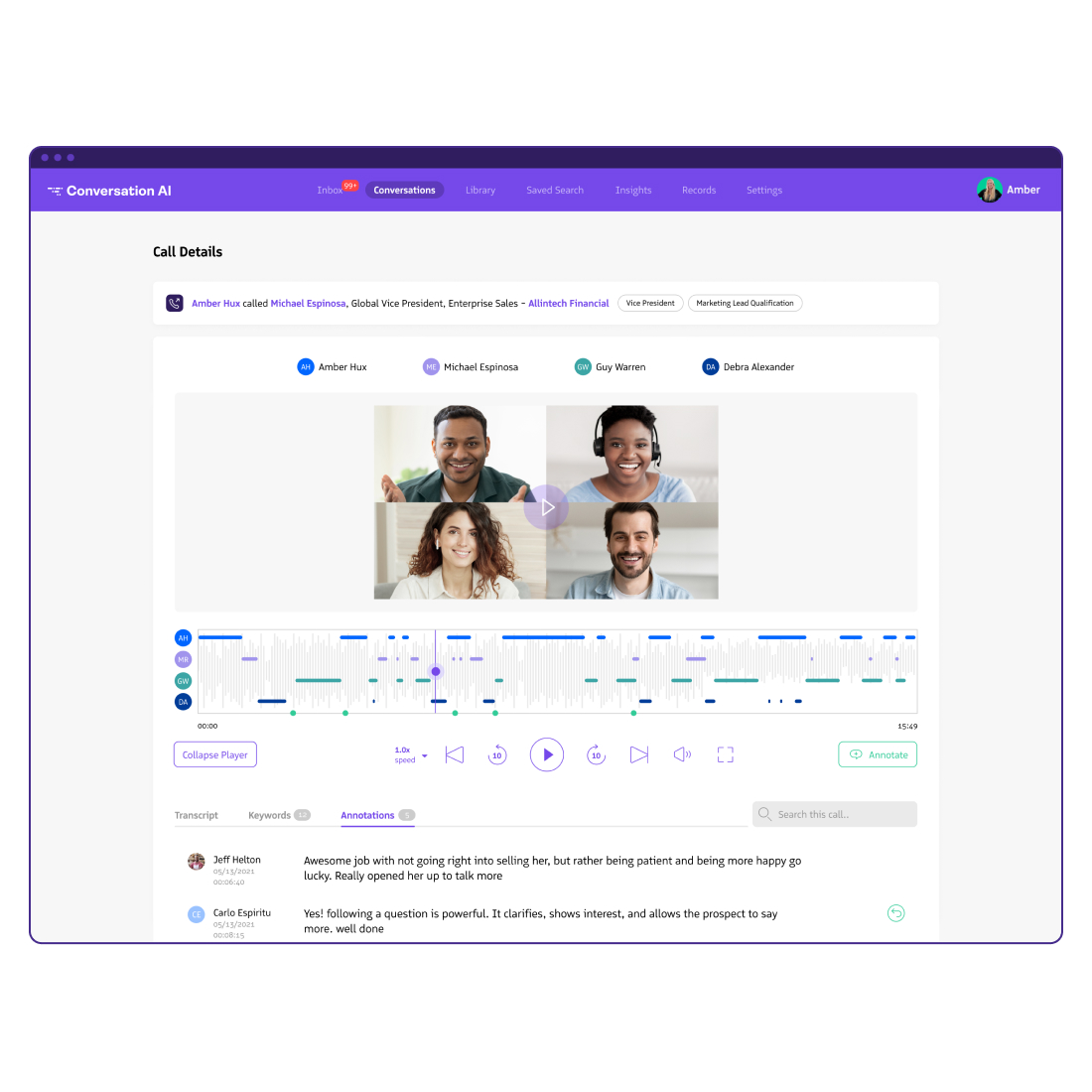
Review the conversation behind a Salesforce activity

Capture eligible calls made through supported Revenue.io dialing workflows and review recordings alongside the relevant Salesforce activity. See what was said before a follow-up, handoff, or coaching session. Capture depends on the calling route, recording settings, consent workflow, and account configuration; confirm your specific devices and routes during a pilot.

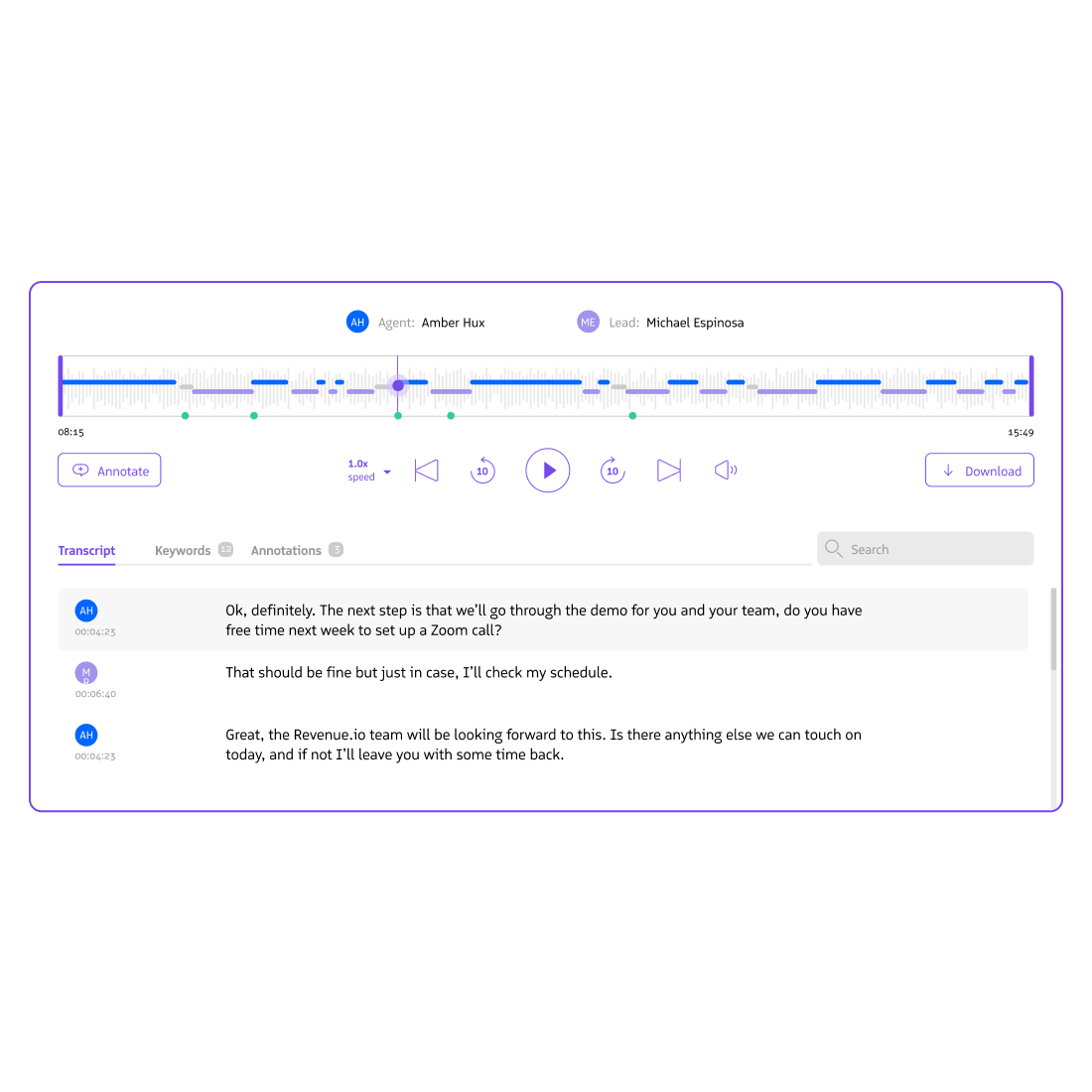
Listen to sales call recordings on Salesforce

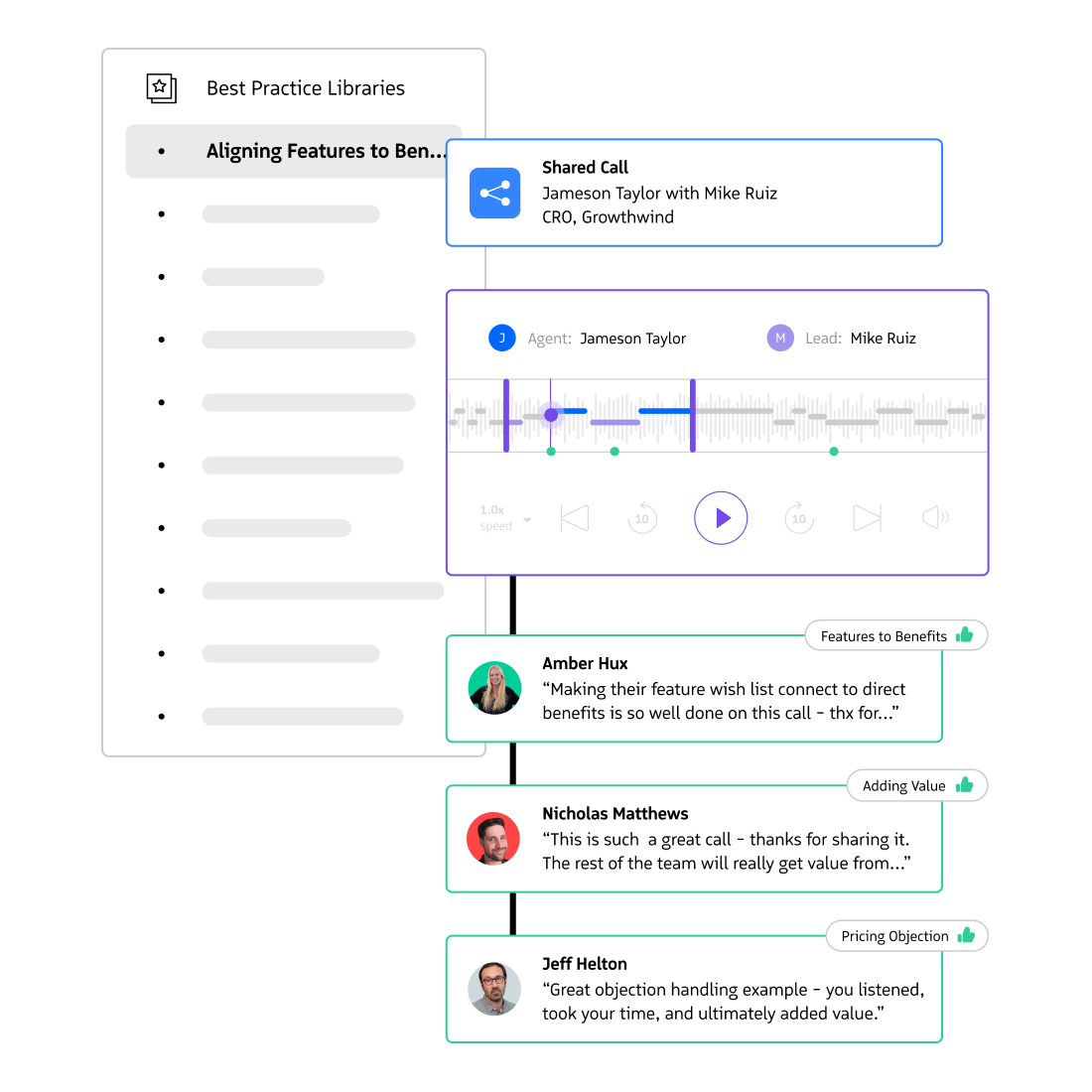
Coach from examples your team can actually use

Review recorded discovery calls, objection handling, and next-step commitments. Annotate recordings with actionable feedback and curate model calls for onboarding and coaching. Establish who may access recordings and which examples are approved for training before building your library.

Training by reviewing call recordings

Configure recording around your consent policy

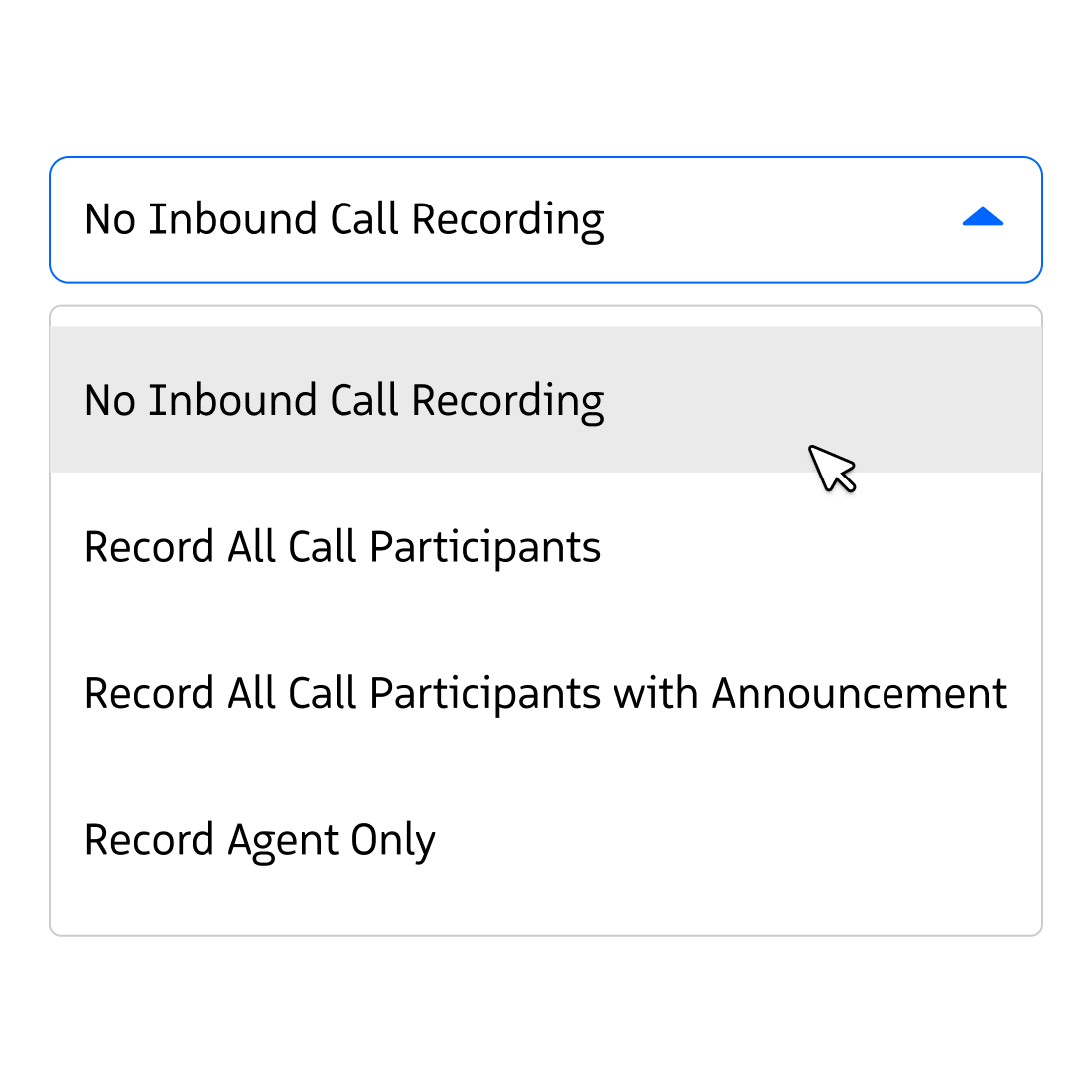
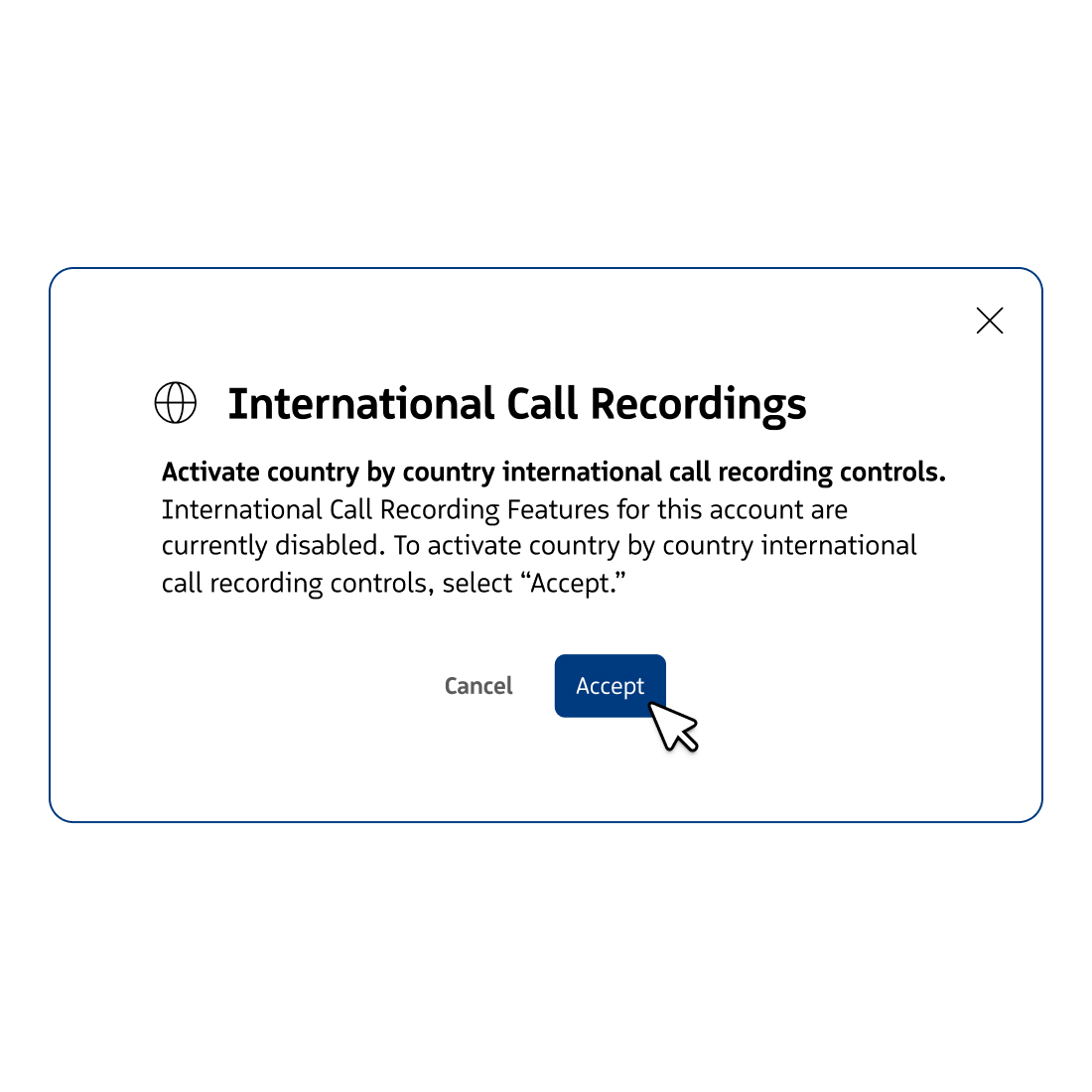
Administrators can configure recording settings by state and country, with controls at account, team, and individual-user levels. Supported agent overrides include a confirmation step and action logging. These controls help implement your policy; they do not determine legal requirements or guarantee compliance. Have your legal or privacy team approve consent language, recording rules, and exceptions before rollout.

Call Recording Compliance

Validate your calling routes before rollout

Start with the Salesforce records and supported Revenue.io calling workflows your reps use. Have your Salesforce administrator and telephony owner confirm licensing, permissions, number provisioning, activity mapping, and device or forwarding requirements. Test representative inbound and outbound calls, then check recording availability and CRM association. Do not assume every third-party phone system or mobile call is automatically captured.

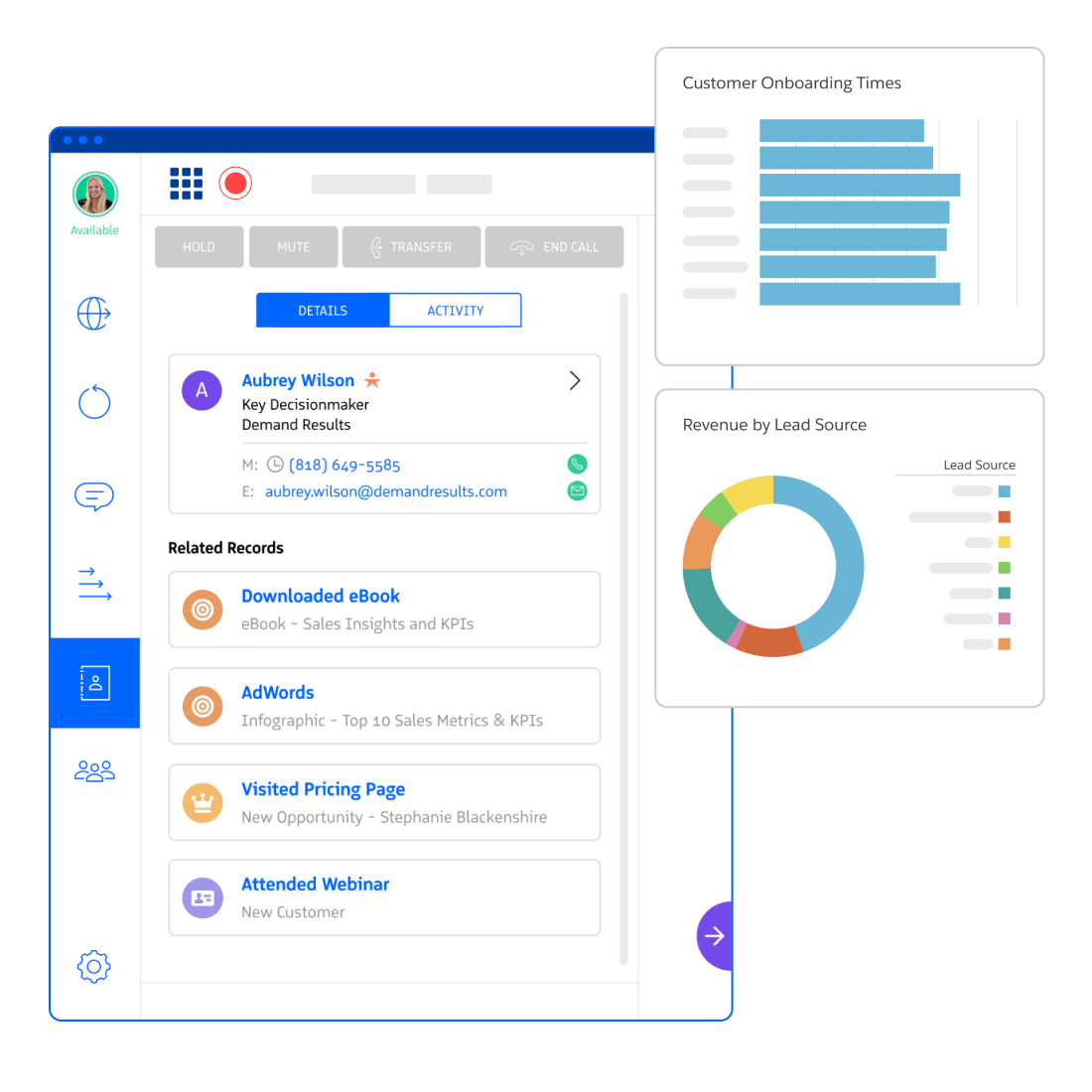
Call Recording Analytics and Dashboards in Salesforce

Agree where recordings live and who can use them

Recording storage supports Revenue.io-hosted storage and customer-owned S3 buckets. Confirm the option available for your account, recording access, retention, deletion, and export requirements with your security and implementation teams. Linking activity to Salesforce is different from storing the audio file inside Salesforce. Document ownership and verify a deletion or access change in your pilot.

International Call Recording for Salesforce

From recording to a useful coaching conversation

When licensed and configured, Conversation AI can process supported recordings into transcripts and conversation insights. Recording preserves the audio; conversation intelligence helps managers review it. Transcription quality depends on the audio, language, and capture conditions, so validate important details against the recording.


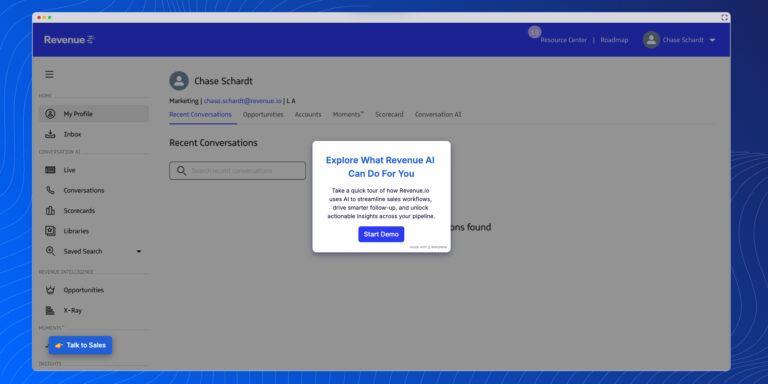
Explore the interactive Revenue AI platform tour, then validate the call recording steps below against your own Salesforce setup.

Ask to see this workflow in your demo

  1. Capture and associate: make a supported test call, follow your consent process, and find the recording linked to the intended Salesforce activity.
  2. Review and coach: replay an objection, inspect the transcript where enabled, and add feedback or save an approved coaching example.
  3. Validate governance: demonstrate an access restriction, configured storage, and your agreed retention or deletion process.

Book a call recording workflow demo and bring your calling routes, Salesforce setup, and recording policy. For guidance during an active call, explore Moments real-time coaching.


Evaluate your requirements before choosing a package

Use the Salesforce call recording buying guide to compare workflows and governance, then review Revenue.io packages. Build your internal case with the sales-stack cost comparison and migration planner. See the dialer implementation guide and Conversation AI implementation guide for rollout planning.

Transcribe Call Recordings

See your call recording workflow in action

Book a workflow demo