revenue - Home page(888) 815-0802

Salesforce Activity Capture

Less logging.
More useful context.

Connect supported sales interactions with Salesforce records through Revenue.io’s configured workflows. Give reps less routine logging work and give managers a clearer starting point for follow-up and reporting.

Activity capture for teams that sell in Salesforce.

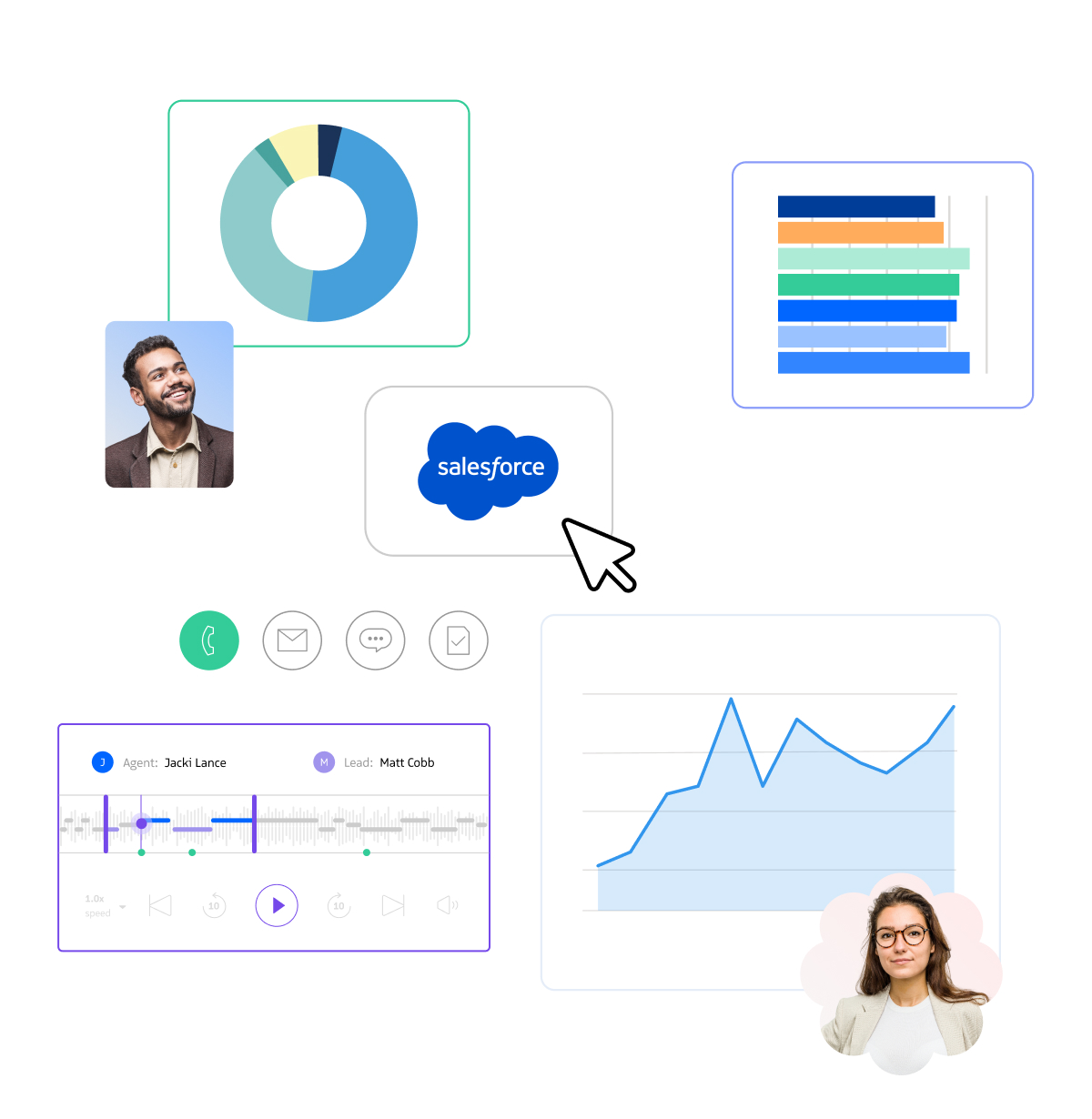
From context to actionIllustrative workflow

From call to CRM context

Interaction · Sales callThrough a configured Revenue.io workflow
Association · Related contactVerify the matching Salesforce context
Review · Activity and metadataAvailable to the authorized team
Ready for the next interaction.Review the record, check the context, and follow up with a useful next step.
Conceptual example, not a product screenshot. Steps and available data depend on your configuration.

The useful answer

What is Salesforce activity capture?

Salesforce activity capture records supported sales interactions and connects them with CRM context so teams can review customer engagement and report on sales work.

Revenue.io connects activity from enabled communication products and workflows with Salesforce records. The useful outcome is not simply a larger activity count. It is a record that helps a rep prepare, a manager review engagement, and RevOps understand what data is available for reporting.

How it works

From interaction
to shared context.

Capture the supported activity, connect it to the right record, and check whether the result is useful.

01

Capture the interaction.

Calls, messaging, emails, and recorded meetings have different capture paths. Start with the channels enabled for your team and validate exactly what each workflow records.

02

Connect the record.

Review how the activity relates to Leads, Contacts, Accounts, and Opportunities in your Salesforce configuration. Validate ownership and association rules with representative records and edge cases.

03

Use the context.

Let reps review engagement before the next interaction. Let managers inspect activity alongside pipeline context. Confirm that the fields needed by your Salesforce reports are actually available.

A practical example

One interaction. The right account context.

A captured activity is useful only if people can find it, interpret it, and trust the association.

  1. Place a test call through the configured Revenue.io workflow and confirm the resulting activity and available conversation metadata.
  2. Verify the related Salesforce record, owner, visible fields, and who can access the result.
  3. Repeat with duplicate or incomplete CRM records and define how your team will review association exceptions.

Implementation

Make capture
reliable for your org.

Treat data coverage and association as implementation requirements, not assumptions that follow from the word “automatic.”

Channel coverage

List the calls, emails, messages, and meetings you need to capture. Confirm supported sources, configuration, and excluded activity before comparing vendors.

Salesforce setup

Check package installation, object and field permissions, ownership, related records, and reporting access with your administrator.

Record association

Test duplicate contacts, shared addresses or numbers, missing records, and relevant account or opportunity relationships. Define a review process for ambiguous or incomplete context.

Recording and data policy

Agree on recording consent, access, retention, and product-specific storage and processing. Captured activity, recordings, and AI outputs are distinct data types.

AI and reporting

Transcripts, summaries, and conversation analysis depend on enabled products and licensing. Verify which activity and metadata fields your intended reports can use.

Buying criteria

Test the record,
not just the capture.

A practical evaluation starts with the channels and Salesforce reports your team relies on.

Bring these questions to the demo.

Choose one representative workflow. Include a sales leader, a rep, and the administrator who will own the setup.

  1. Which of our interactions are captured, and which still need manual handling?
  2. Where does a rep or manager find the activity and its related Salesforce context?
  3. What happens when the CRM contains duplicate or incomplete records?
  4. Which fields are reportable, and what permissions control their visibility?
  5. How do recording, transcription, AI licensing, storage, and retention differ from basic activity logging?

One connected revenue workflow

Connect the next
part of the process.

Your questions

Salesforce Activity Capture, explained.

Does Revenue.io capture every interaction automatically?

No single capture claim applies to every channel or external tool. Coverage depends on the Revenue.io products, connected sources, permissions, and workflows enabled for your team. Validate the channels you need during evaluation.

Is activity capture the same as conversation intelligence?

No. Activity capture records an interaction and its available CRM context. Conversation Intelligence adds supported recordings, transcripts, analysis, and coaching workflows.

How does activity connect with Salesforce records?

Revenue.io workflows connect supported activity and conversation metadata with related Salesforce context. Validate record relationships, association behavior, and ownership in your org before rollout.

Can the captured data support Salesforce reports?

Available activity and conversation fields can support Salesforce reporting. Confirm the objects, report types, field access, and specific metrics your team needs rather than assuming every captured detail is reportable.

What should our administrator validate first?

Start with package and channel setup, permissions, record ownership, association behavior, and the intended report. Test complete, duplicate, and missing CRM records with the people who will use the data.

How does it differ from Salesforce Einstein Activity Capture?

Compare the exact workflows and licensed versions under consideration: supported channels, where data is stored, record association, reportability, retention, and user access. Ask each provider to demonstrate those requirements using your Salesforce configuration.

Your team’s next step

Give the next interaction
better context.

Walk through activity capture with your Salesforce records, channels, and reporting requirements.

Book a demo

Explore plans and pricing ↗

READY TO SEE REVENUE IN ACTION?

Book a demo to connect with a sales expert who’ll tailor the walkthrough to your team’s goals and challenges.